If you have the need to take extensive notes from a client ( for example to make a conversation report if you are a therapist) then you can access the PERIFACT text editor. In the main screen, go to the main CONTACT menu, select...
In the main menu EXTRA'S of PERIFACT, there is an item “Backup and RESTORE.” This is the central location for managing backups Did you know? PERIFACT creates a full backup of all your data every time you close PERIFACT and stores it...
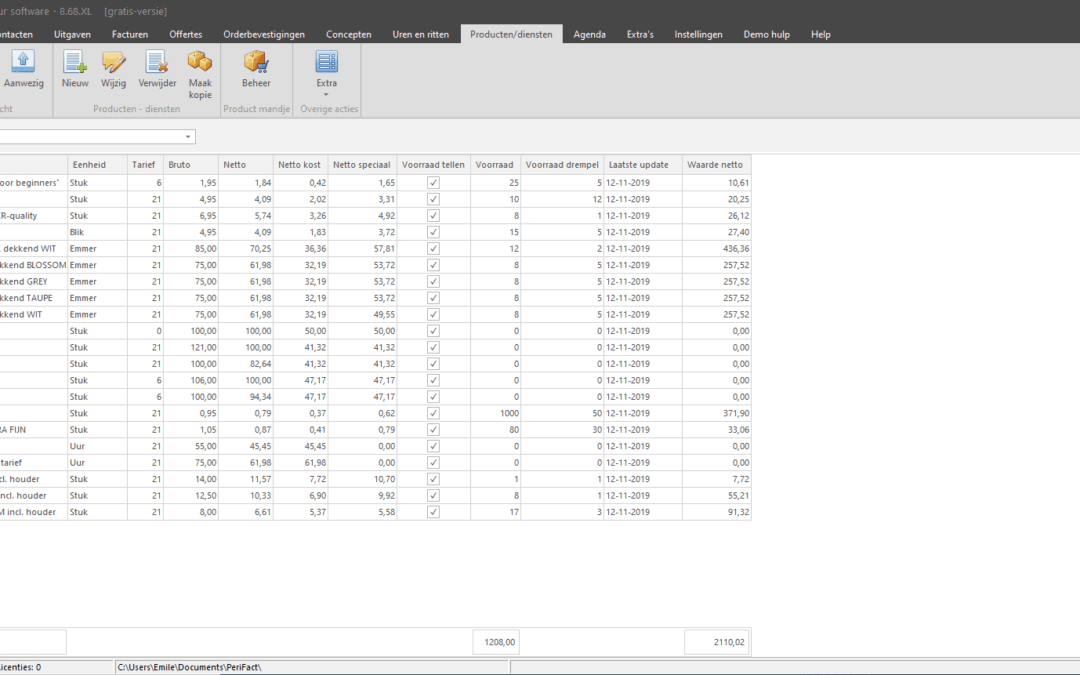 In the main menu of PERIFACT, there is the item “PRODUCTS/SERVICES.” This is the central place for managing all recurring items that can appear on your invoice. Think of your hourly wage, a product sold, you name it... Also...
In the main screen of PERIFACT, go to main menu "PRODUCTS/SERVICES". There you will see a list of all products and services that you want to include in your invoices on a regular basis. By the way, it is not mandatory to fill in and use this list. You...
In the main menu of PERIFACT, there is the item “PRODUCTS/SERVICES.” This is the central place for managing all recurring items that can appear on your invoice. Think of your hourly wage, a product sold, you name it... Also...
In the main screen of PERIFACT, go to main menu "PRODUCTS/SERVICES". There you will see a list of all products and services that you want to include in your invoices on a regular basis. By the way, it is not mandatory to fill in and use this list. You...
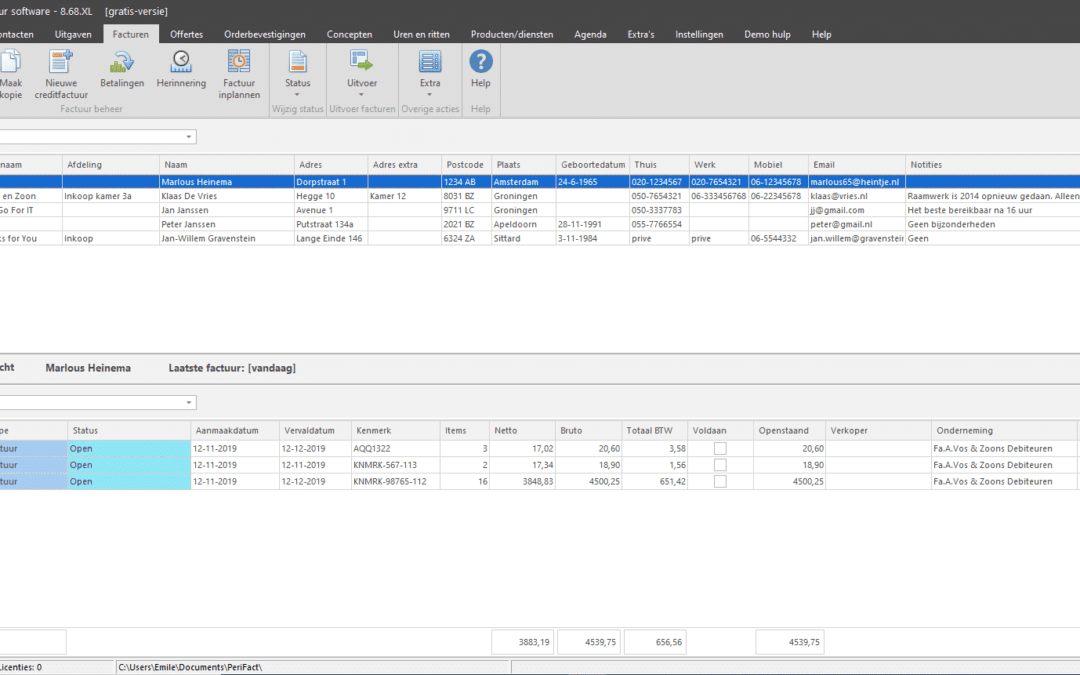 You can use nice standard built-in invoice layouts. Or you can go all the way yourself with the built-in and advanced report builder. With this you can really customize everything yourself such as font, colors, texts, line spacing, logos and used...